How to organize friends on Steam using folders
Folders help you organize your friends by games, activity, or status so you can quickly find the ones you need and automate communication with a specific group. Let's take a look at the different types of folders and how to use them.
By InoTeam
•
Folders help you organize your friends by games, activity, or status so you can quickly find the ones you need and automate communication with a specific group. Let's take a look at the different types of folders and how to use them.
Default folders
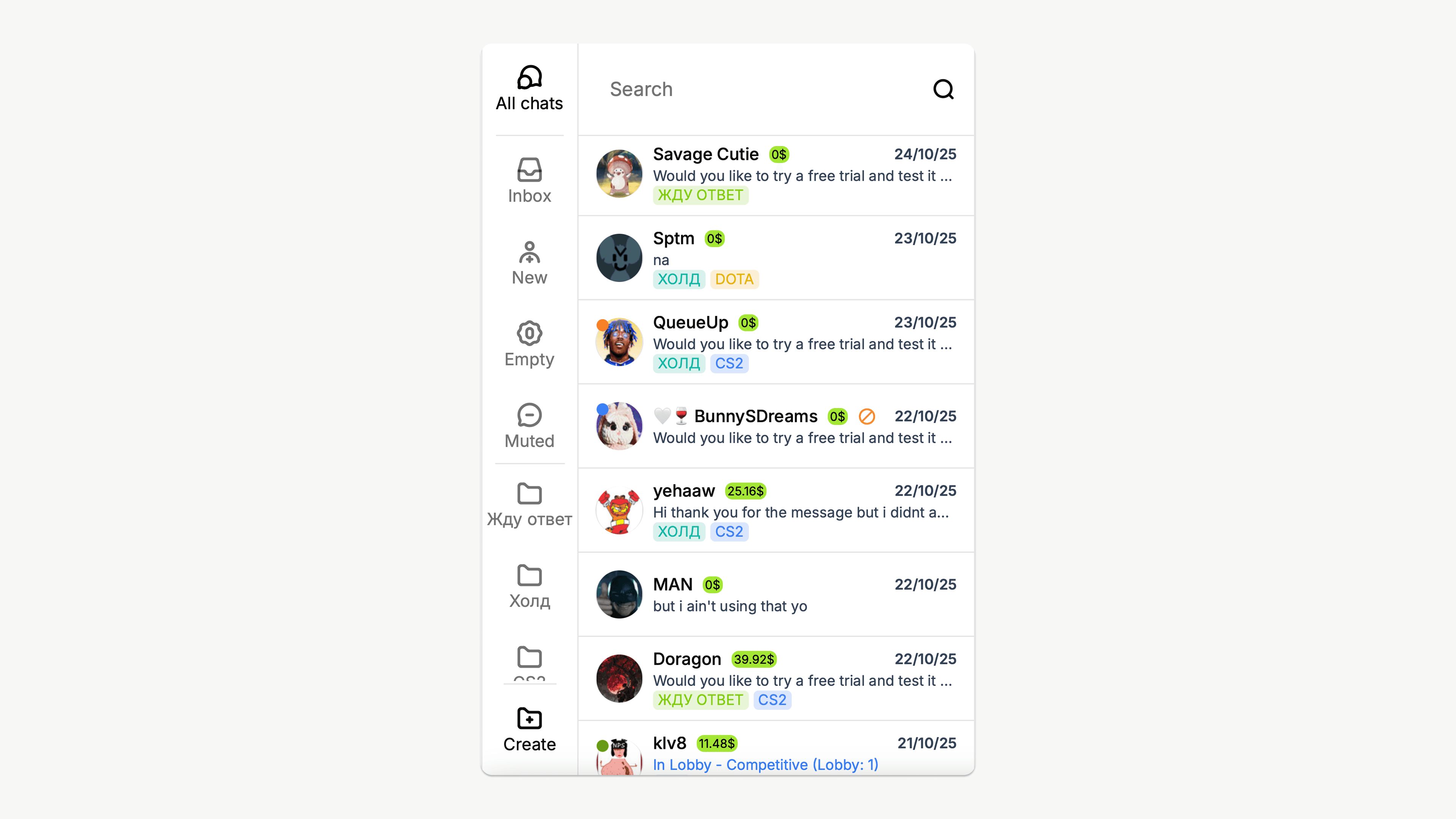
Each customer has 4 default folders. They are updated automatically, depending on your friends' actions:
- Inbox: friends who have sent you a message.
- New: new friends who have been on the account for less than a day.
- Empty: users you have never communicated with.
- Muted: friends from whom you have disabled notifications.
Custom folders
Unlike default folders, where friends appear automatically, you can create your own categories of friends and add them manually. For example:
- 🎮 CS
- 🧙 Dota
- 💬 Waiting for a reply
- 🤝 Tradehold
To create a folder:
Tap the “Create” icon in the lower right corner → Enter a name → Create
To add a friend to a folder:
Tap the friend's avatar → Add to folder → Select the desired folder
💡 One friend can be in several folders at once.
Mass messaging via folders
When you send the same message to all your friends in a row, it looks like spam.
Folders help you automate communication neatly: everyone receives a relevant message, which increases their trust in you.
For example:
- Welcome message to new friends.
- Reminder to those from whom you are waiting for a reply.
To send an automatic message to a group of people:
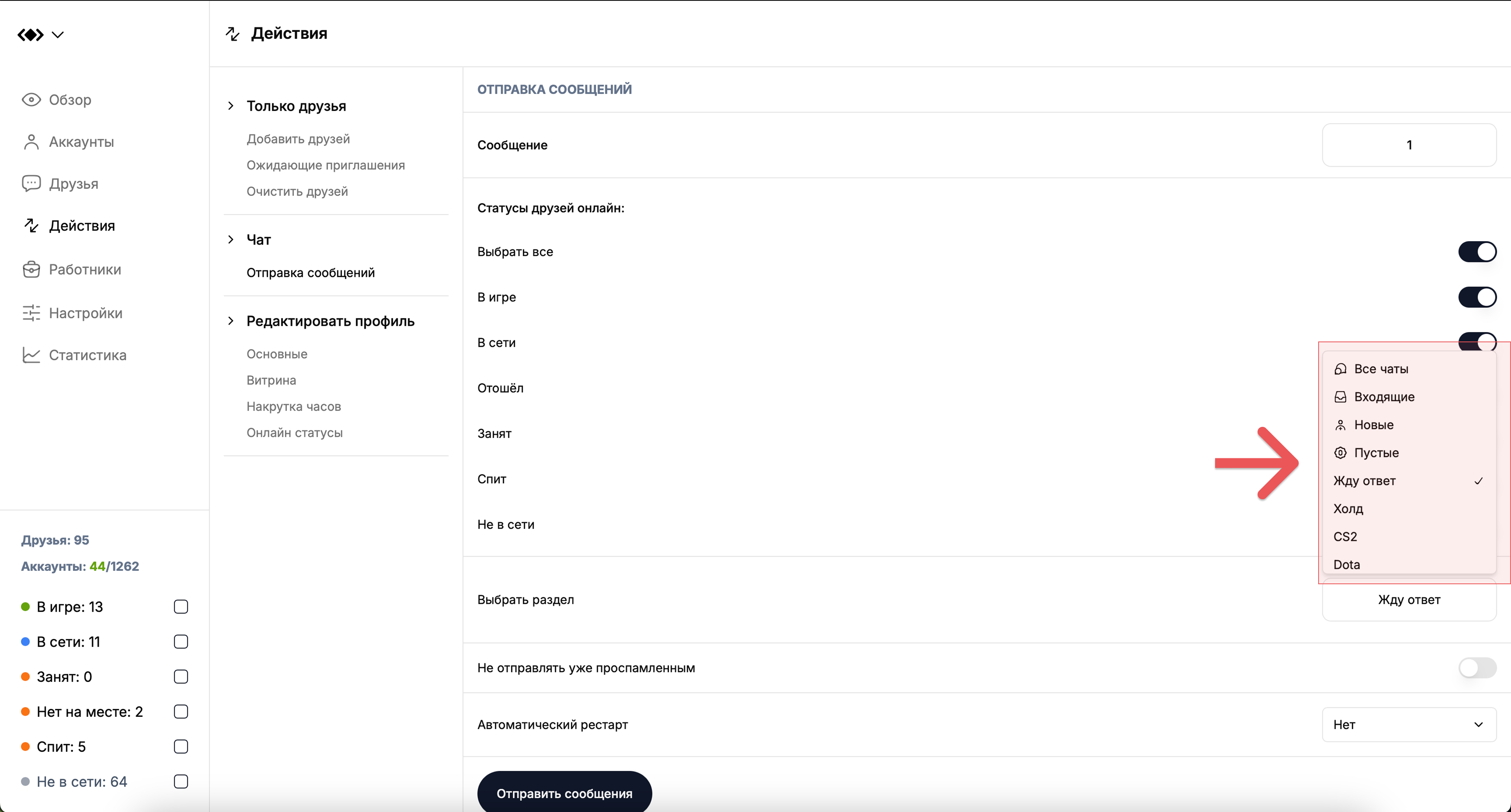
Actions → Send messages → Select section → Folder name