How to easy check Steam accounts for bans
How to easy check thousands of Steam accounts for bans and separate working ones from banned ones
By InoTeam
•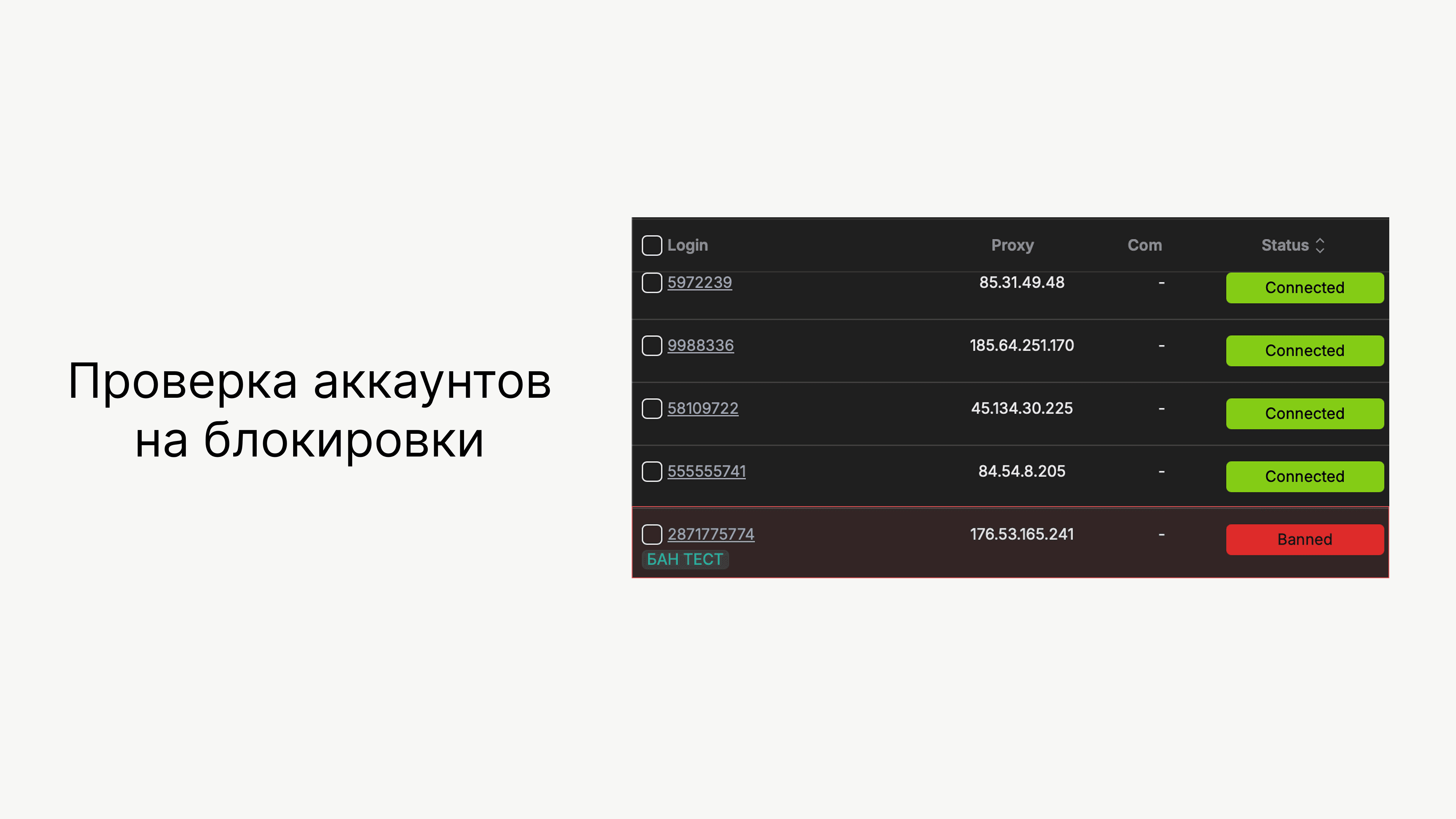
To avoid overpaying for inactive Steam accounts, we recommend checking them for bans both before purchasing and while they're in use. Read on to learn how to check thousands of accounts in just a few clicks.
Check Steam accounts for bans
1. Authorize your accounts in Multichat Premium.
2. Open the "Accounts" tab → "Status."
3. Select the "Banned" status.
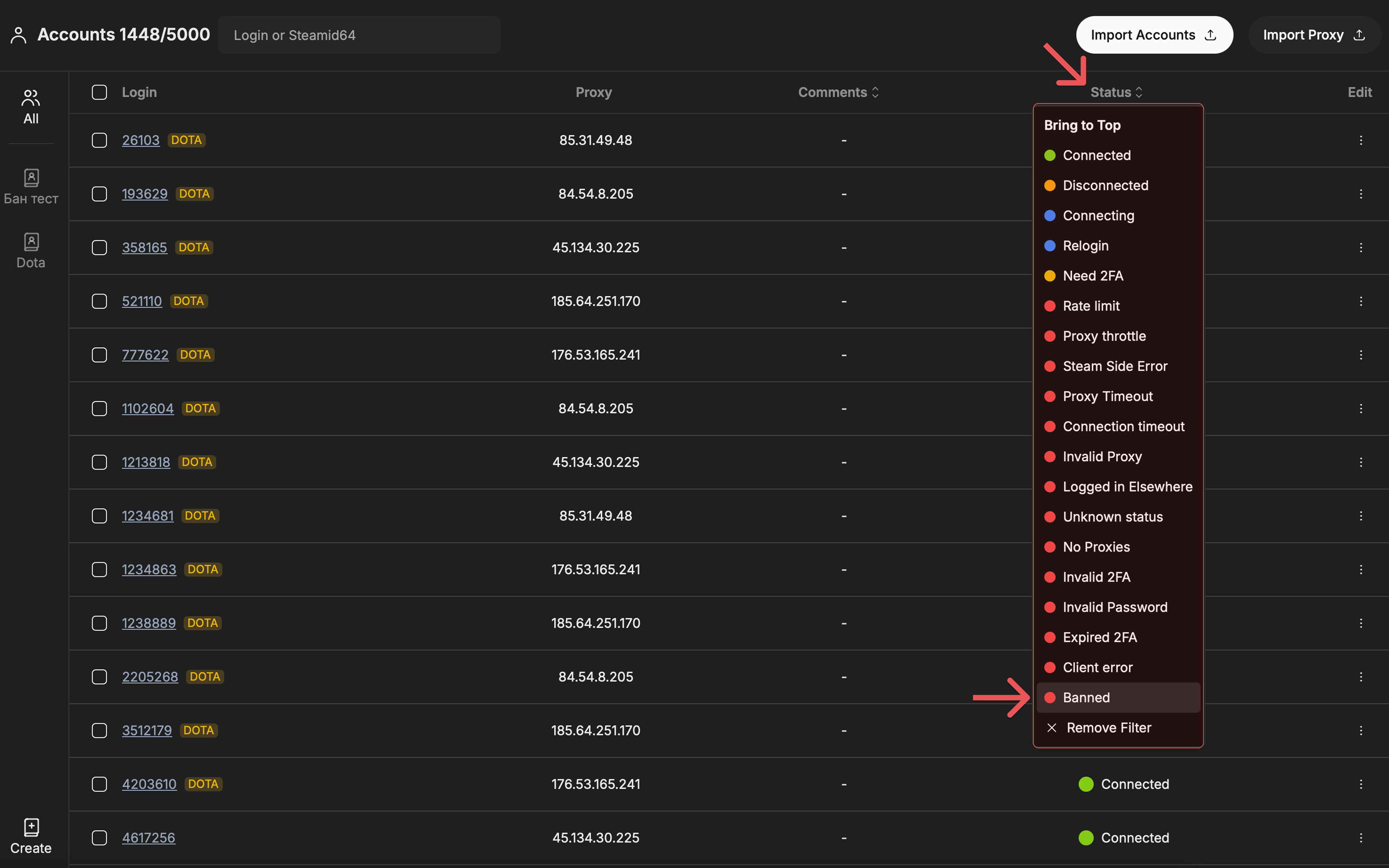
Done! If you had blocked accounts in your list, they will appear at the top of the list.
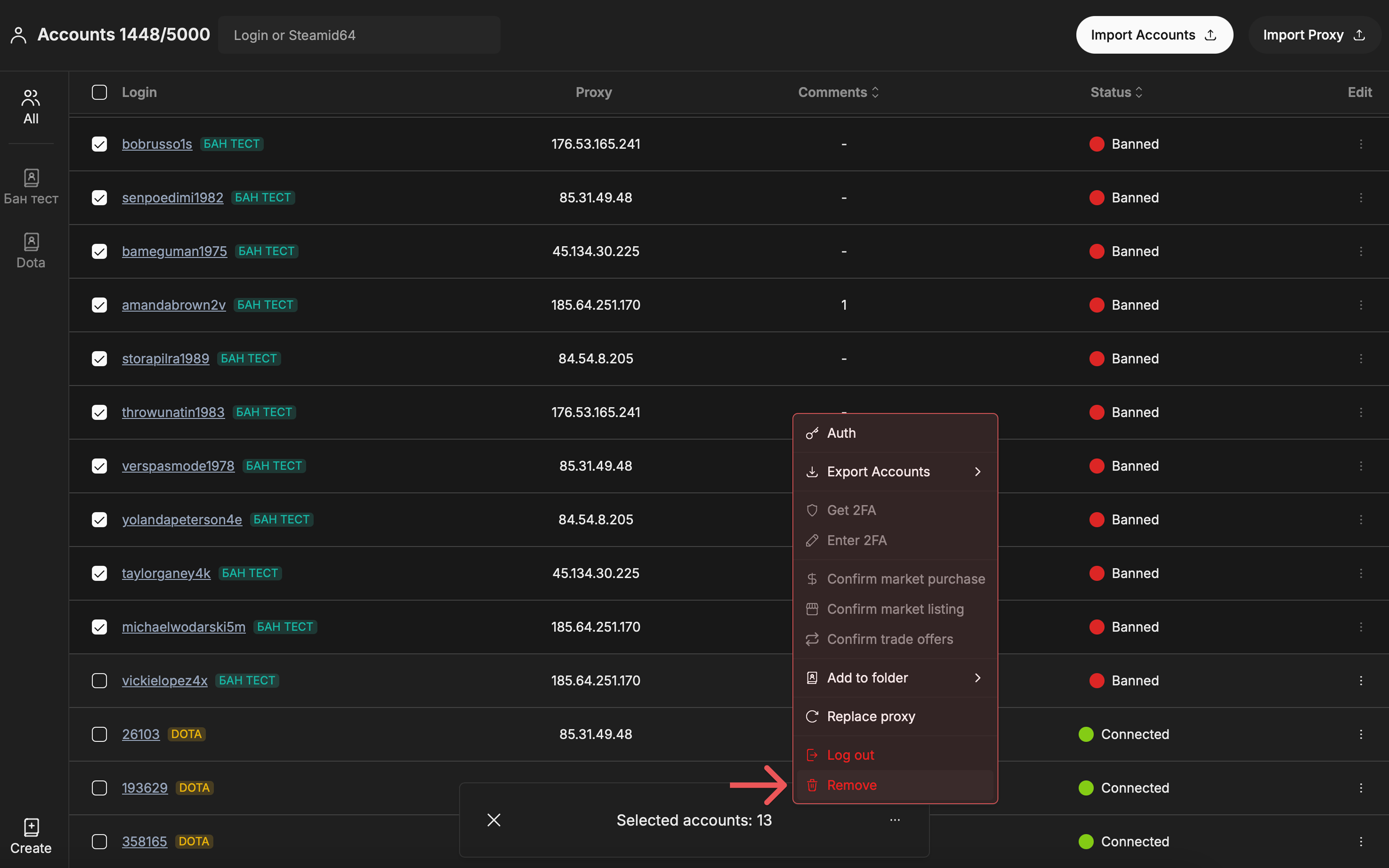
To remove blocked accounts: Select them using Shift → three dots → Delete.
After logging in, Multichat automatically checks your accounts for blocks from time to time. If an account is blocked while you're using it, you'll see it in real time in the "Accounts" tab.
Export working Steam accounts
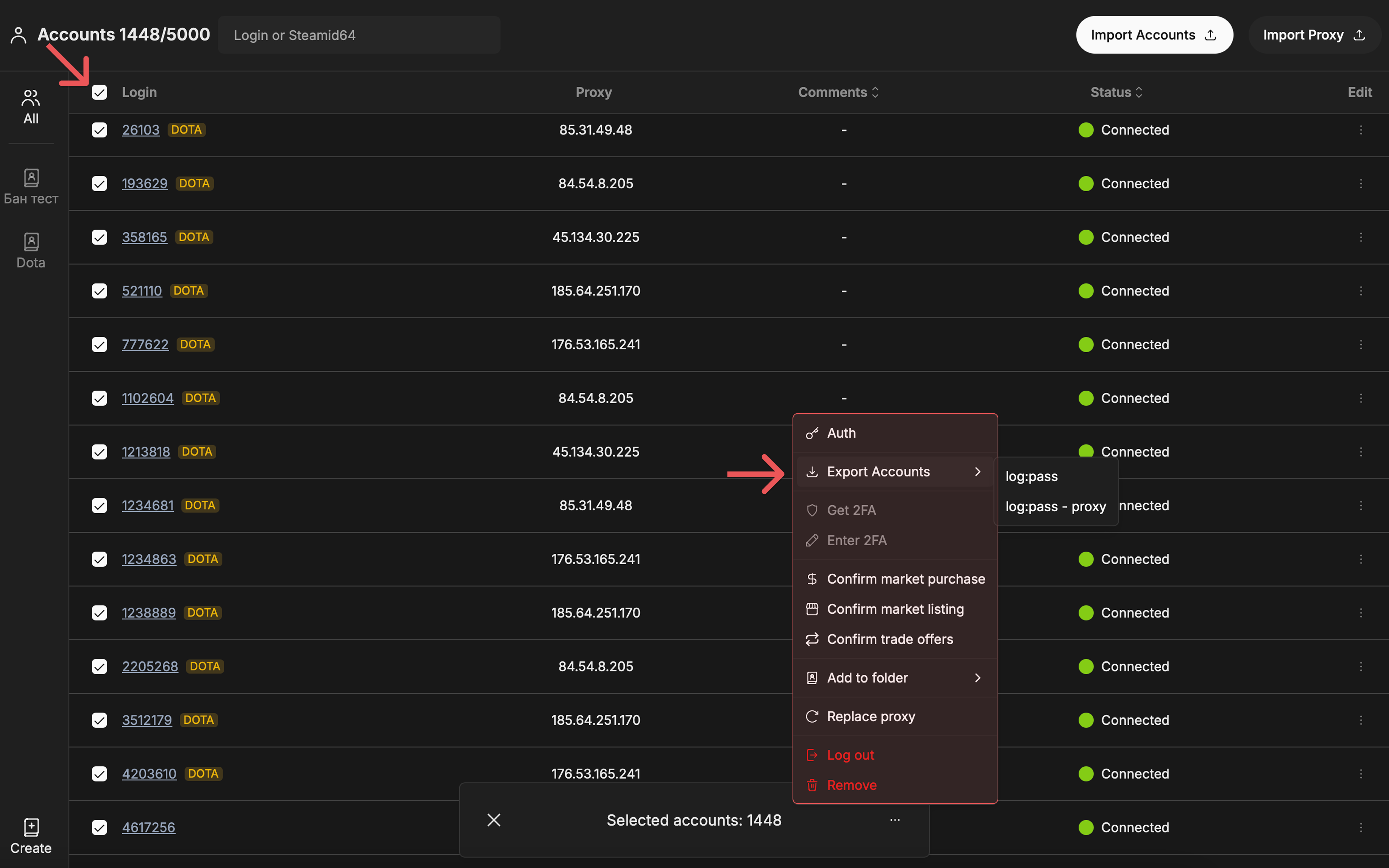
After clearing the list, you can export only work accounts.
How to do this:
1. Shift-select all blocked accounts → Delete.
2. Select the remaining accounts → Export → choose the desired format.