How to automatically boost hours in CS2\Dota2\TF2\Rust?
How to boost hours in multiple games simultaneously, how to find a game's Steam ID, and a list of popular games with their IDs are in our post.
By InoTeam
•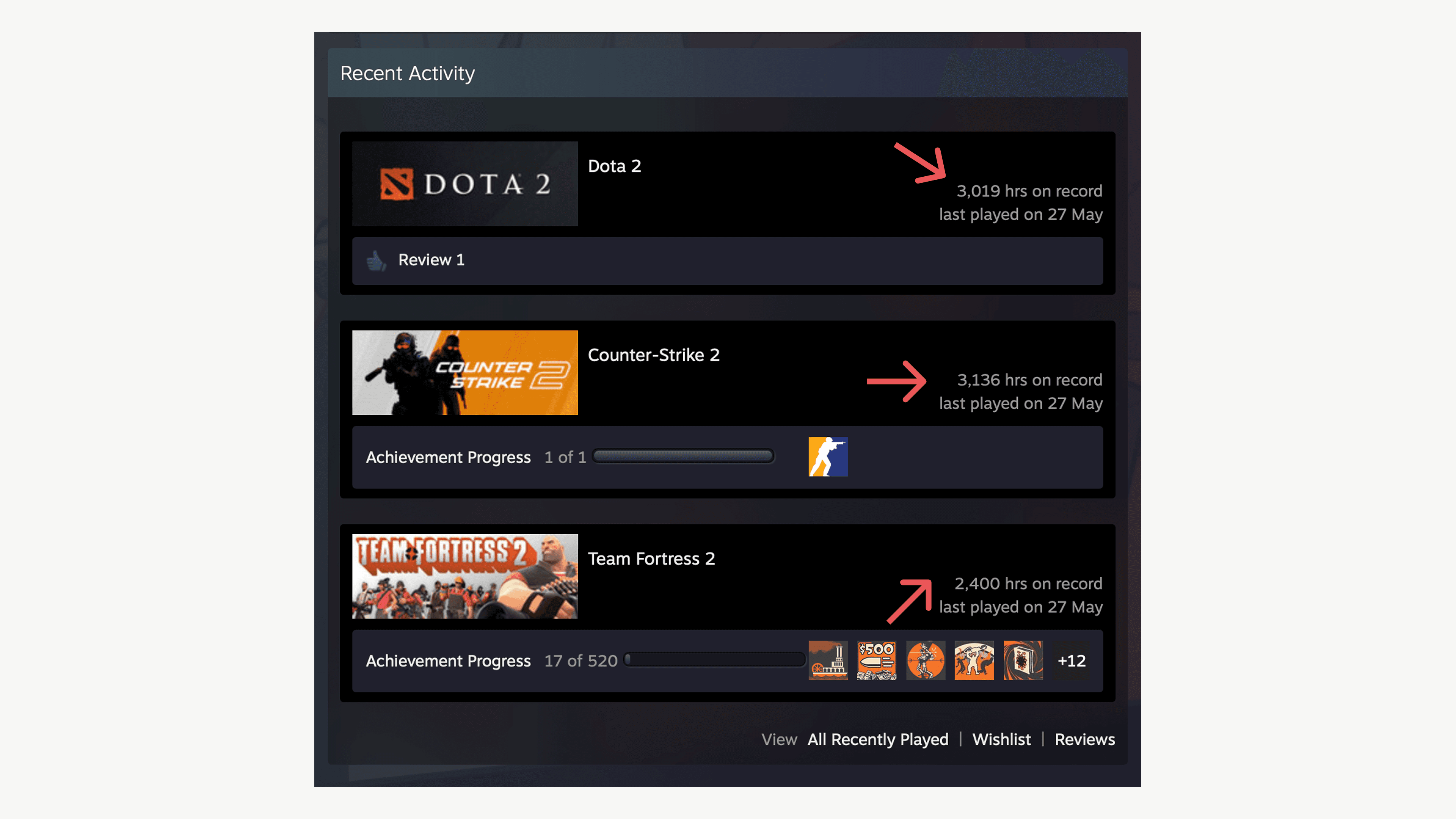
We recommend boosting your account's hours in several games to make it look more real and to increase your friend requests. However, don't overdo it, as when you have three games with 3,135 hours each, it's obvious it's a bot.
To boost your hours:
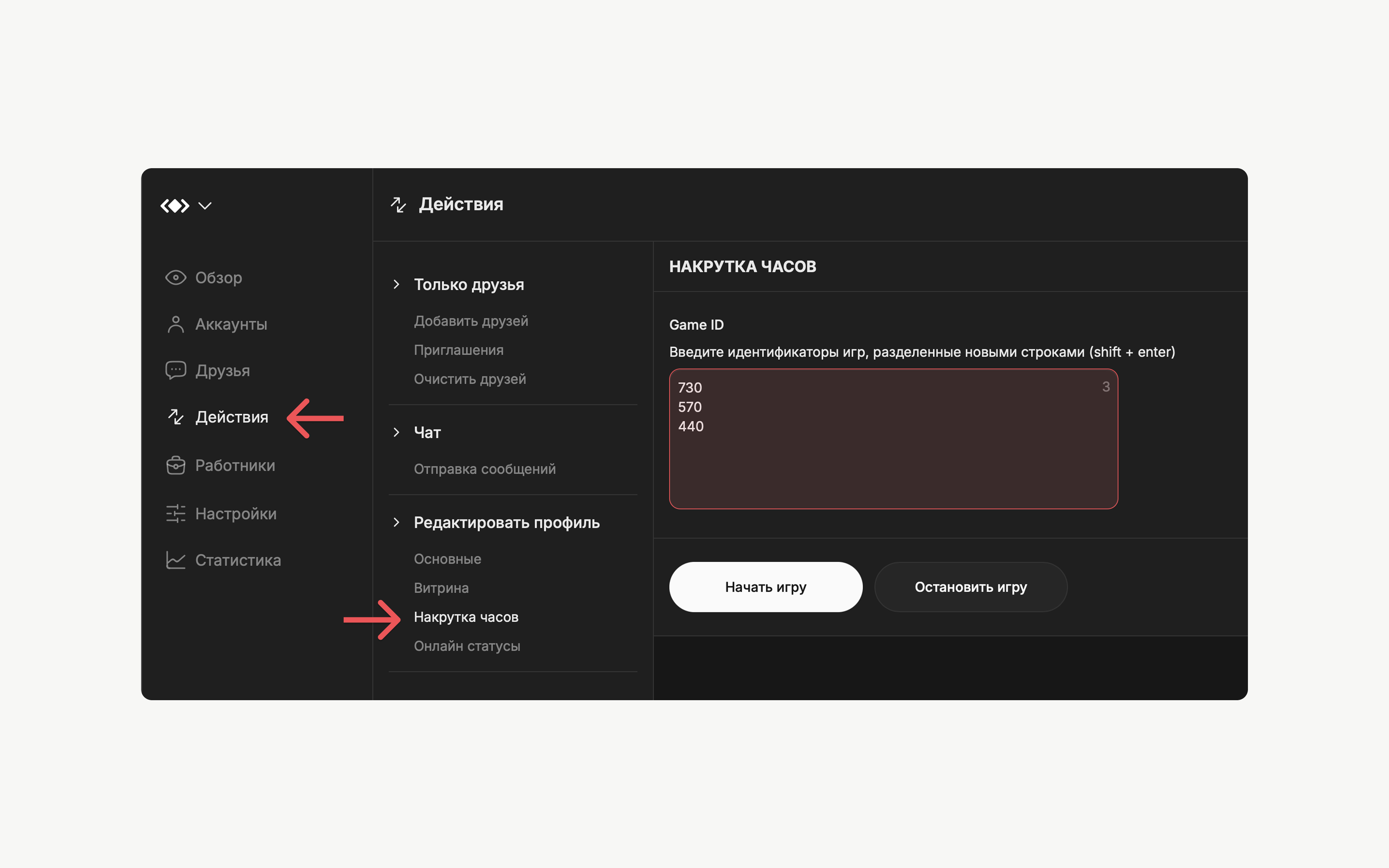
1. Go to Actions → Boost Hours.
2. Enter the game IDs you want to boost. Each ID should be on the same line.
3. Click "Start" and select the accounts.
Steam IDs of popular games:
- Counter-Strike 2 | CSGO = 730
- Dota2 = 570
- Team Fortress2 = 440
- Rust = 252490
- PUBG = 578080
How do I find a game's Steam ID?
1. Open the game you want to boost in the Steam store.
2. Copy the number in the link after /app/.
For example, find RUST in the Steam store search and get the link: https://store.steampowered.com/app/252490/Rust/
Copy the number after /app/ to get 252490. This is the game ID you need to enter to boost your Rust hours.
Important: To start boosting, the game must be purchased on your account. You can boost hours in any game on your account, but if the game isn't on your account, the software won't be able to launch it.


