Automatically setup showcases on Steam accounts
We show you how to set up showcases for thousands of Steam accounts in just a few clicks, as well as a collection of 70 free templates for the Info Box showcase.
By InoTeam
•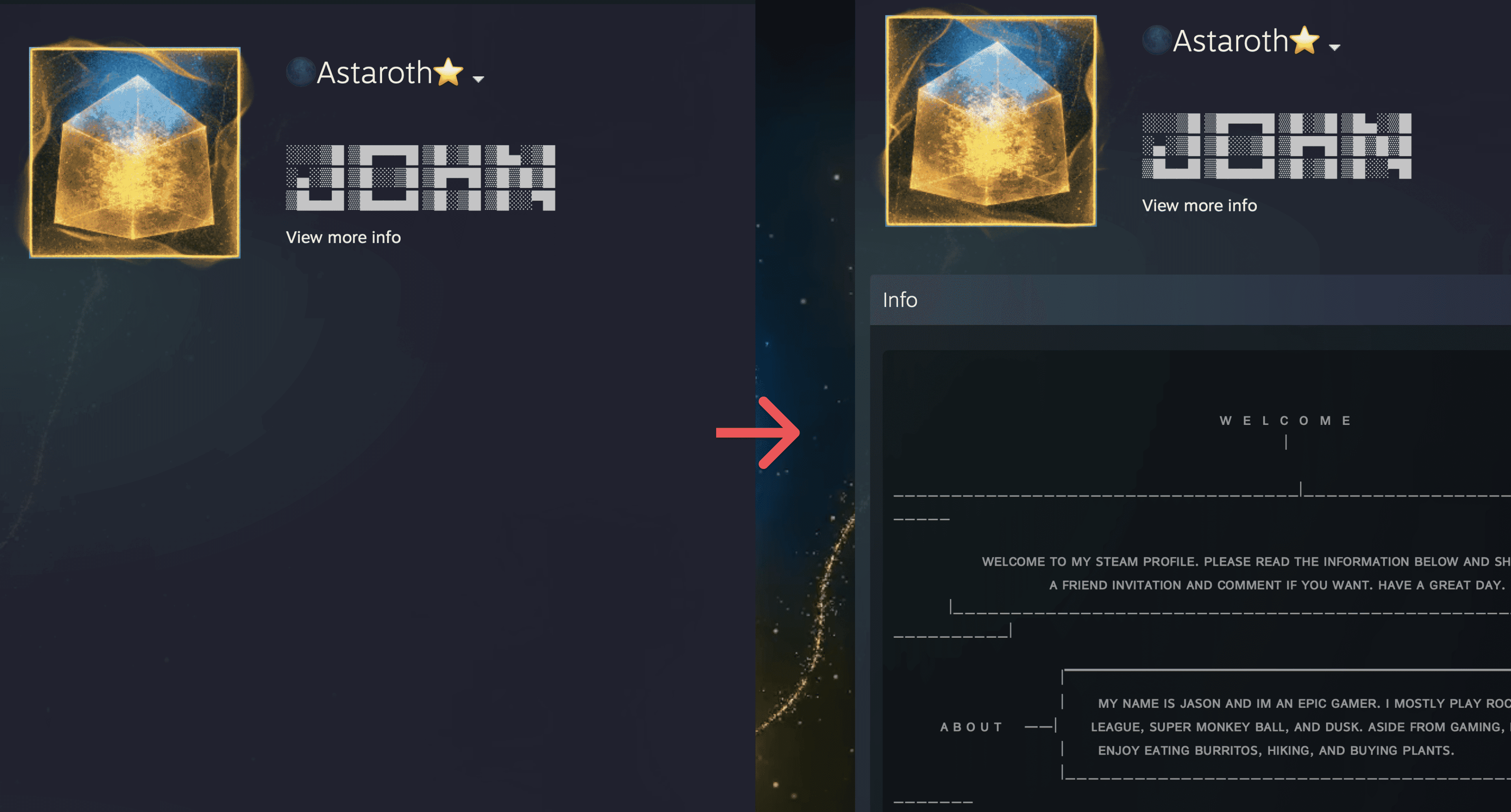
Empty Steam accounts are viewed with suspicion, and friend requests from such profiles are accepted much less frequently. To make your accounts look more authentic, we recommend filling out your profile as completely as possible.
If your account is above level 10, you can set up a showcase (Custom InfoBox). A well-designed showcase makes your profile visually complete and more attractive to other users, which increases the conversion rate of friend requests.
What you can put on your showcase:
- Rules for adding friends;
- Links to your projects;
- PC configuration;
- Profile description;
- Other details that make your account come alive.
💡 Even if you don't have anything to write, just copy a template from the free collection and make your profile more visually appealing. This increases the chance that your friend request will be accepted.
🧰 How to set up a showcase
1. Go to: Actions → Edit Profile → Showcase
2. Fill in the Title and Text fields
3. Click Change Showcase
🗑 How to remove a showcase
1. Change the showcase type from “Custom Infobox” to “Remove Showcase.”
2. Click Change Showcase
Make your Steam accounts more attractive to other users in just a couple of clicks at steaminventoryvalue.com


